Loading page…

Waka Waka EA 4.59 fix
April 22, 202623 downloads
File name
Waka_Waka_EA_4.59_fix.ex4
Size
503.46 KB
File type
ex4
Version running on demo: Waka_Waka_EA_4.59_fix
Follow results in Telegram
Updates up to once a week when new closed trades appear; milestones at 14, 30, 60 and 90 trading days. This is demo monitoring, not a trading signal.
Only after pressing Subscribe. Manage in your watchlist; /stop in the bot pauses subscriptions. My watchlist
Compare with other EAs →This expert advisor trades on our RoboForex demo account. Open the same type of account (partner link)
Sign in to download
One-tap sign-in with Telegram, no email or password. After signing in we bring you back to this page.
Sign in with Telegram and downloadWhat you need to run it
- A broker account. This expert advisor trades on our RoboForex demo account (Pro type); the result is in the monitoring block on this page. To keep conditions close to ours, open a Pro account there too; on a live account spread and execution may differ from demo. Open a RoboForex account. RoboForex also gives a free VPS with a balance from $300 and 3 lots traded per month.
- A VPS for the terminal. An expert advisor only trades while MetaTrader is open: with your computer off, trades are neither opened nor managed. A Forex VPS to keep the terminal running 24/7
These are partner links: if you open an account or order a VPS through them, we earn a commission.
Description and specifications
Information about the expert advisor and its source. Results claimed by authors, sellers or channels are not treated as verified by TradEApro; our own checks and their limitations are identified separately.
🌐 Waka Waka EA MT4 v4.59 👑
👉 More about this EA: https://www.mql5.com/en/market/product/66317 👀
📊 Live monitoring: https://www.mql5.com/en/signals/2195366 🕯
⭐️ Waka Waka is an advanced grid system that has been running on live accounts for many years. Rather than curve-fitting the system to historical data (as most people do), it was built to exploit genuine, existing market inefficiencies. That means this isn't a simple hit-or-miss system that survives purely by leaning on the grid — it leverages real market mechanics to its advantage.
Supported pairs: AUDCAD, AUDNZD, NZDCAD.
Recommended timeframe: M15
💎 Features:
✅ Single-chart setup: one chart is all you need to trade all symbols
✅ Multi-pair support
✅ Solid backtesting and live track record
✅ No GMT adjustment required
✅ Extremely easy to use — just read the 3 lines of instructions below
✅ Much cheaper than comparable premium alternatives
Where this file comes from
We are not the developers of this expert advisor. Catalog files come from public sources, including Telegram channels and developers’ official repositories. See the description for this file’s source and redistribution terms. All rights to the program remain with its author.
Are you the copyright holder and want the file removed? Contact us — we remove it on the first request.
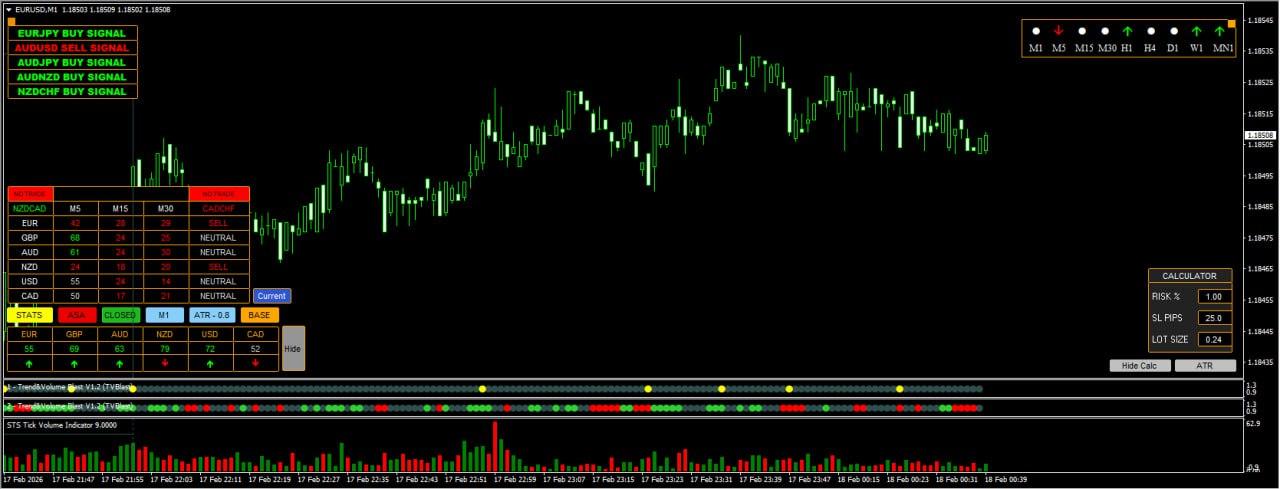
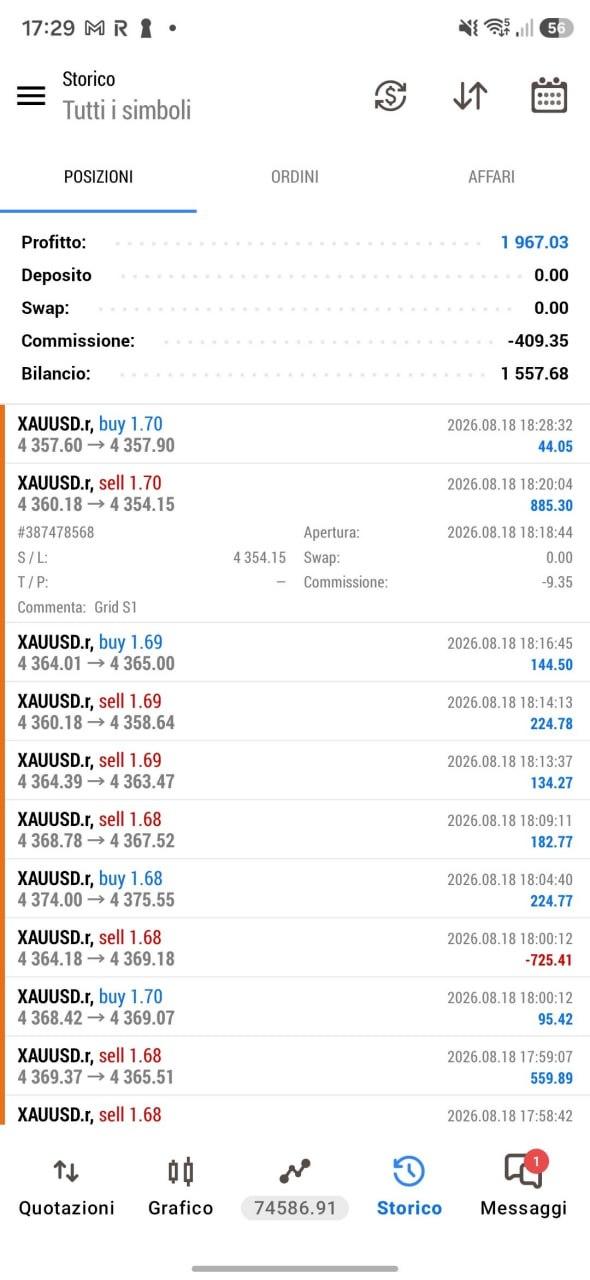
Screenshots (2)
Sign in to download
One-tap sign-in with Telegram, no email or password. After signing in we bring you back to this page.
Sign in with Telegram and downloadWhat you need to run it
- A broker account. This expert advisor trades on our RoboForex demo account (Pro type); the result is in the monitoring block on this page. To keep conditions close to ours, open a Pro account there too; on a live account spread and execution may differ from demo. Open a RoboForex account. RoboForex also gives a free VPS with a balance from $300 and 3 lots traded per month.
- A VPS for the terminal. An expert advisor only trades while MetaTrader is open: with your computer off, trades are neither opened nor managed. A Forex VPS to keep the terminal running 24/7
These are partner links: if you open an account or order a VPS through them, we earn a commission.
Share:
How to use
1.Download the file
2.Open MetaTrader 4 or MetaTrader 5
3.Put .ex4/.ex5 files into the MQL4/Experts or MQL5/Experts
4.Restart the terminal and the file will appear in the Navigator
Frequently asked questions
How do I install an expert advisor in MetaTrader?
1. Download the expert advisor file (.ex4 or .ex5)
2. Open MetaTrader and go to File → Open Data Folder
3. Go to MQL4/Experts (for MT4) or MQL5/Experts (for MT5)
4. Copy the expert advisor file into that folder
5. Restart MetaTrader
6. The expert advisor will appear in Navigator → Expert Advisors
Why is the expert advisor not trading?
Check the following:
• The "Algo Trading" button is enabled (green)
• Trading is allowed in the expert advisor settings
• The terminal is connected to the broker server
• There are enough funds on the account
• The right symbol and timeframe are selected
Can I use it on a live account?
We recommend testing the expert advisor first:
1. In the strategy tester on historical data
2. On a demo account in real time for at least 1–2 weeks
3. Move to a live account only after successful tests
⚠️ Forex trading involves a risk of losing capital
The file does not open or shows an error
Possible reasons:
• .ex4 files are for MT4 only, .ex5 files are for MT5 only
• The file was damaged while downloading — try downloading it again
• MetaTrader is outdated — update the terminal
• If the file is in an archive (.zip, .rar), unpack it first
Loading reviews...