Build an MQL5 Expert Advisor from Scratch, Part 1: EA Structure and Risk Without Martingale
Explore an MQL5 EA through our own trading robot: three essential functions, position sizing based on stop distance, and why a high win rate often hides losses.
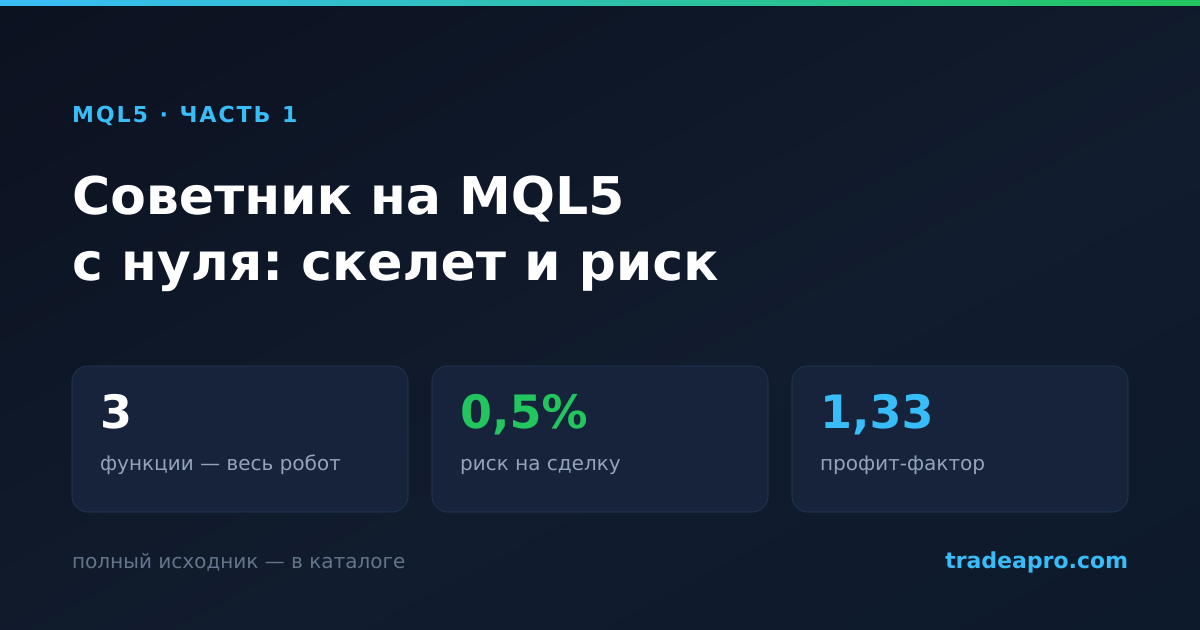
Build an MQL5 Expert Advisor from Scratch, Part 1: EA Structure and Risk Without Martingale
We run a dozen and a half free EAs from the catalog on active demo accounts and publish their results. After 449 trades, an unpleasant pattern emerged: almost all the robots that blew up their accounts had high win rates. One closed 68% of its trades in profit and still wiped out the deposit.
So we wrote our own—not to beat the market, but to demonstrate in code how to structure a robot that cannot destroy an account in a single day. It is in the catalog with its source code and trades on our demo account. This installment covers the basic structure and risk management; the second covers compiling and running the Strategy Tester from the command line.
Editor's note: The preceding claim describes the EA's intended risk controls, not a guarantee against an account wipeout. Gaps, slippage and stop execution can cause losses to exceed the planned risk.
What an expert advisor consists of
Every MQL5 EA has three functions that the terminal calls.
int OnInit()                      // once when attached to a chart
void OnTick()                     // on every price change
void OnDeinit(const int reason)   // when removed from the chart
OnInit handles setup: this is where we set the magic number the robot uses to distinguish its positions from others, and the order execution mode.
#include <Trade\Trade.mqh>

CTrade trade;

int OnInit()
{
   trade.SetExpertMagicNumber(MagicNumber);
   trade.SetTypeFillingBySymbol(_Symbol);
   trade.SetDeviationInPoints(20);
   return(INIT_SUCCEEDED);
}
The standard library's CTrade class builds trade requests for you. There is no reason to construct MqlTradeRequest manually in 2026.
OnTick runs on every tick, dozens of times a minute. If the strategy works with closed candles, the first step is to filter out unnecessary calls. Otherwise, the robot will make the same decision hundreds of times:
static datetime lastBar = 0;
datetime barTime = iTime(_Symbol, PERIOD_M15, 0);
if(barTime == lastBar) return;   // this candle has already been processed
lastBar = barTime;
Parameters: why we do not use points
The first version of our EA made no trades across four years of history. The culprit was a filter expressed in points: gold quote precision differs by a factor of ten between brokers, so “a range no wider than 3000 points” meant three dollars at one broker and thirty at another. The filter rejected everything.
We therefore express thresholds as percentages of price. These settings transfer between brokers and instruments without adjustment:
input double MinRangePct = 0.15;  // quiet day, no opportunity
input double MaxRangePct = 2.0;   // news gap, false breakout

double rangePct = (rangeHigh - rangeLow) / price * 100.0;
if(rangePct < MinRangePct || rangePct > MaxRangePct) return;
The same applies to spread. An absolute limit is useless: gold spreads can be 90–190 points, so a threshold of 60 rejects every opportunity. What matters is not the spread itself but how much of the price move it consumes:
double spreadShare = spreadPrice / (rangeHigh - rangeLow) * 100.0;
if(spreadShare > MaxSpreadRangePct) return;   // costs would consume the move
The key rule: calculate position size from the stop, not the other way around
This is the difference between a robot that survives a bad week and one that wipes out an account.
The wrong approach, found in most free EAs, is to fix the position size or increase it after a loss, then put the stop “somewhere” or omit it entirely. The right approach reverses that process: first decide where the trade idea is invalidated, then calculate a position size that makes that mistake cost a predetermined share of the deposit.
double RiskLots(double stopDistance)
{
   double tickValue = SymbolInfoDouble(_Symbol, SYMBOL_TRADE_TICK_VALUE);
   double tickSize  = SymbolInfoDouble(_Symbol, SYMBOL_TRADE_TICK_SIZE);
   if(tickValue <= 0 || tickSize <= 0) return(0);

   // How much money we are willing to lose on this trade
   double moneyRisk  = AccountInfoDouble(ACCOUNT_BALANCE) * RiskPercent / 100.0;
   // The cost of the stop loss for a one-lot position
   double lossPerLot = (stopDistance / tickSize) * tickValue;

   double lots = moneyRisk / lossPerLot;

   double minLot  = SymbolInfoDouble(_Symbol, SYMBOL_VOLUME_MIN);
   double lotStep = SymbolInfoDouble(_Symbol, SYMBOL_VOLUME_STEP);
   lots = MathFloor(lots / lotStep) * lotStep;

   // The deposit cannot support this stop: skip the trade
   // rather than risk more than the specified amount
   if(lots < minLot) return(0);
   return(lots);
}
Notice the final line. It is tempting to round up to the minimum lot size and enter anyway. That is exactly how a robot quietly starts risking three times as much as its settings specify. Skipping the trade costs less.
An important detail: query SYMBOL_TRADE_TICK_VALUE and SYMBOL_TRADE_TICK_SIZE from the terminal instead of hard-coding them. These values differ for gold, currency pairs and indices. A robot written “for EURUSD” can miscalculate position size on gold by a factor of a hundred.
Breakeven: protection, not a cure-all
Once a trade moves into profit by a predefined multiple of its initial risk, the stop moves to the entry price. The trade then either earns a profit or closes at zero, rather than turning into a loser.
Editor's note: A stop at the entry price does not guarantee a zero net result: spreads, commissions, swap and execution slippage can still produce a loss.
double risk   = MathAbs(entry - sl);
double profit = (type == POSITION_TYPE_BUY) ? (price - entry) : (entry - price);

if(BreakevenAtR > 0 && profit >= risk * BreakevenAtR)
   trade.PositionModify(ticket, entry, tp);   // move the stop to the entry price
The trigger for moving the stop is a parameter, and it matters. In our tests, moving it at one times the risk produced noticeably worse results than at one and a half times. Moving to breakeven too early stops out trades that need room to breathe before the move. Over four years of history, the difference between these two settings was around ten percent of the final result.
The results
The strategy is simple: measure the range of the quiet Asian session, enter on the first candle close beyond its boundary, place the stop beyond the opposite boundary, and target three times the stop distance, with one trade per day.
We selected parameters on 2022–2024 and validated them on 2025–2026, which had not been used during selection:
| Sample | Return | Trades | Winning trades | Profit factor | Drawdown |
|---|---|---|---|---|---|
| Training 2022–2024 | +33.0% | 327 | 43.7% | 1.35 | 7.5% |
| Validation 2025–2026 | +11.6% | 145 | 46.2% | 1.33 | 3.9% |
| Different broker, 2022–2025 | +41.5% | 335 | 30.4% | 1.41 | 9.2% |
The third row uses the same EA and settings, but quotes from another broker. The difference comes from spread and quote precision, rather than the strategy: one broker calls gold GOLD#, another XAUUSD. If a strategy falls apart when you change brokers, it depended on a particular price feed rather than the market.
Fewer than half the trades are profitable, which is normal when the target is three times the risk. The robot in our test with a 68% win rate looked far better in that column and still destroyed its deposit. Win rate tells you almost nothing about an EA; focus on drawdown and profit factor.
We should also be clear about the limitations: on EURUSD, the same settings give a profit factor of around one, so the edge is specific to gold. And a backtest remains a backtest. The robot is already running on our demo account, and its results will appear in live monitoring, with no opportunity to tweak them after the fact.
Next
The second part covers something rarely found in Russian-language guides: compiling an EA from the command line with metaeditor64.exe and running it in the Strategy Tester through an INI configuration, without a single click in the interface. This turns testing an idea from a ten-minute manual routine into a ten-second command. It is the only reason we could try a hundred configurations in one evening.
The EA's complete source code is on its catalog page. Download it, read it and adapt it to your needs.
The broker link in this article is an affiliate link: we receive a commission, while you get the same terms as through a direct link. We only mention services we use ourselves.
Share this article:
Comments (0)
No comments yet
Be the first to leave a comment!